If the Samsung screen can produce a picture (even a partial picture), it is often possible to get the serial number of the device with a remote control through the on board menu system of the display. If your display will NOT produce a picture, skip to the bottom of this article under 'Finding the serial number sticker'.
1. Finding the serial number from the display's menu system.
Press the 'Menu' button to get to this screen. Then use the arrows to highlight 'Support' and push the <Enter> button:

Next, use the arrows to highlight 'Contact Samsung' and push the <Enter> button:
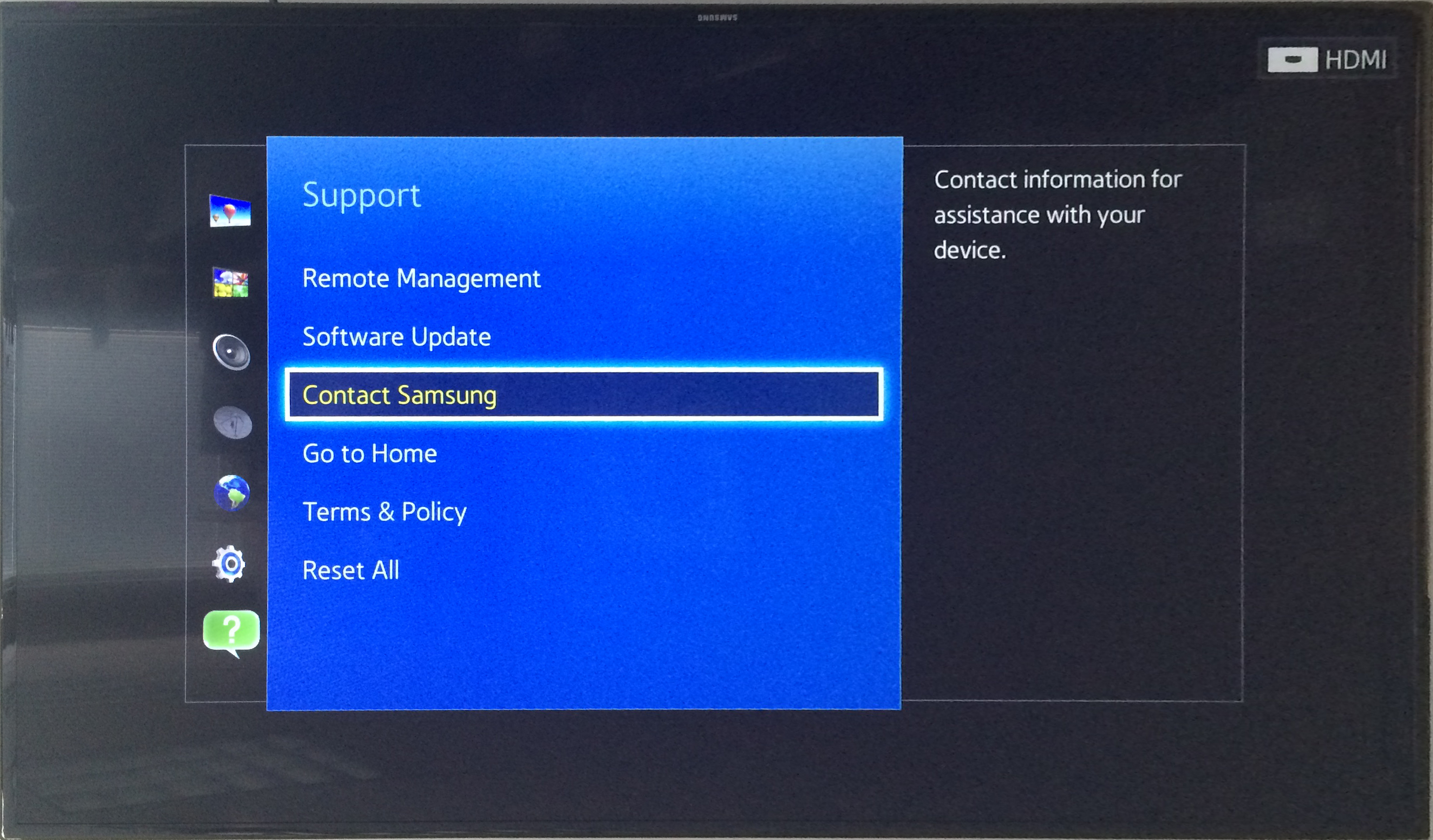
Next, an information window will pop up:
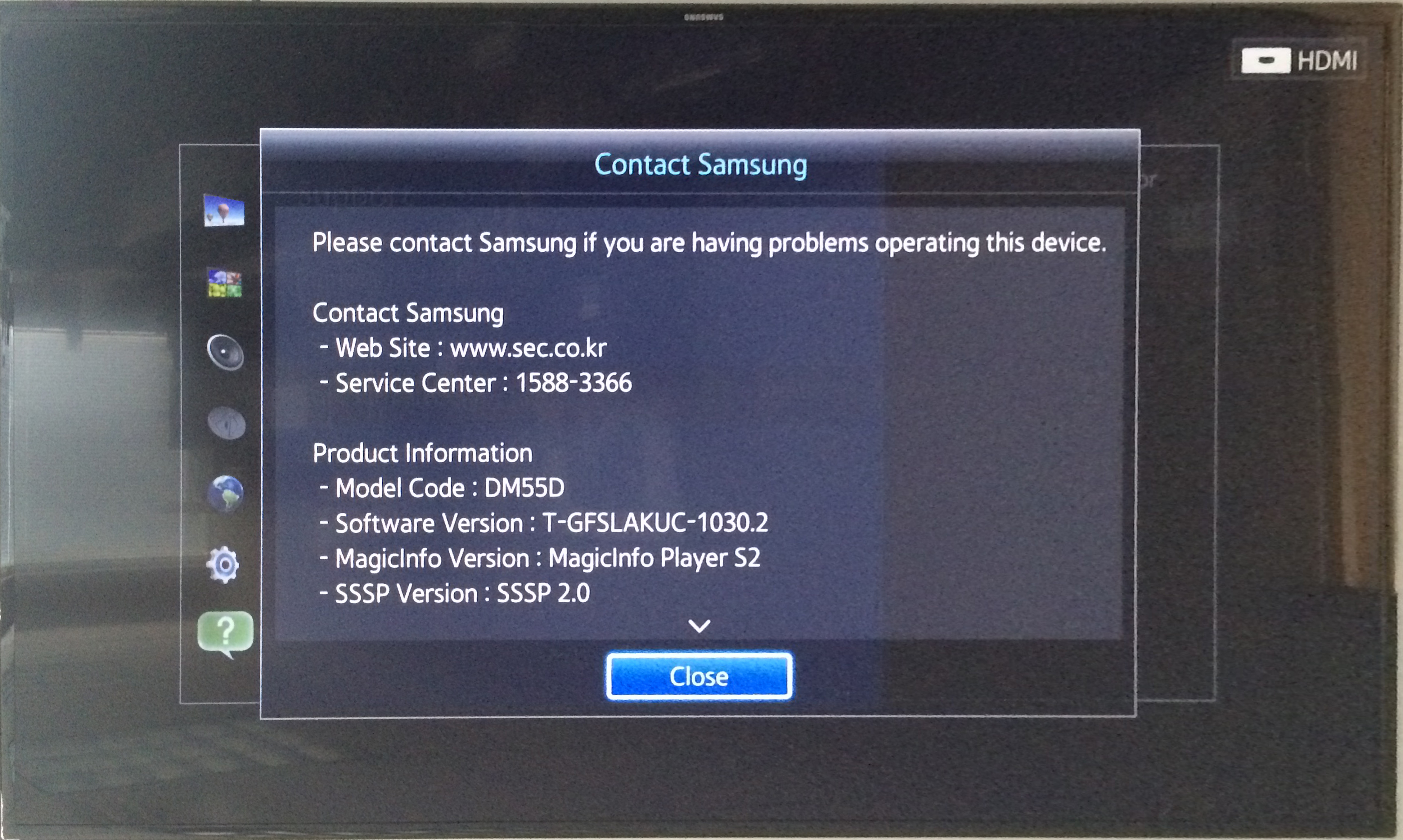
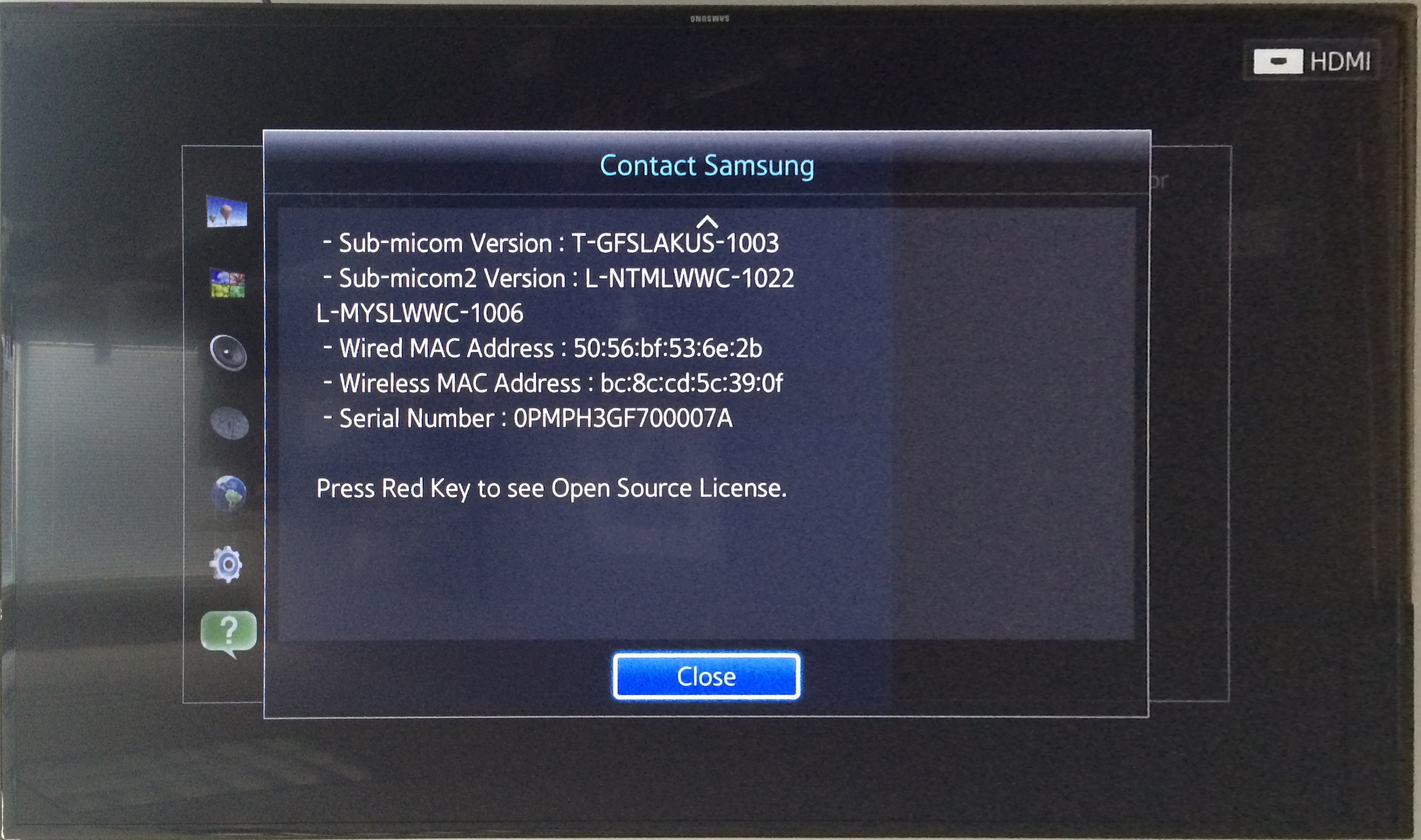
Scrolling down that window with the arrow keys, you'll find the serial number:
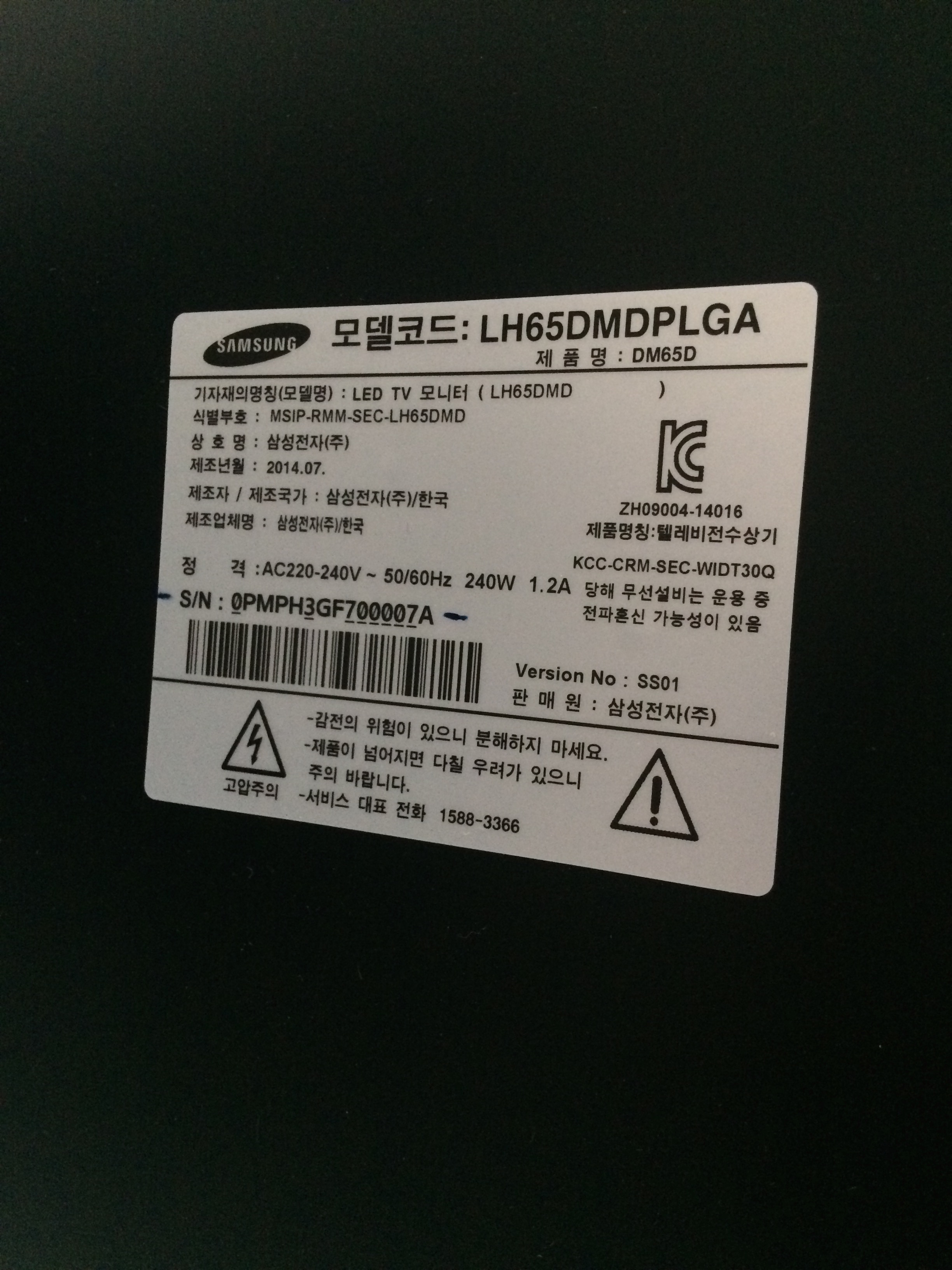
2. Finding the serial number sticker.
The serial number sticker is found on the back of the LEFT side of the display, about in the middle (vertically)
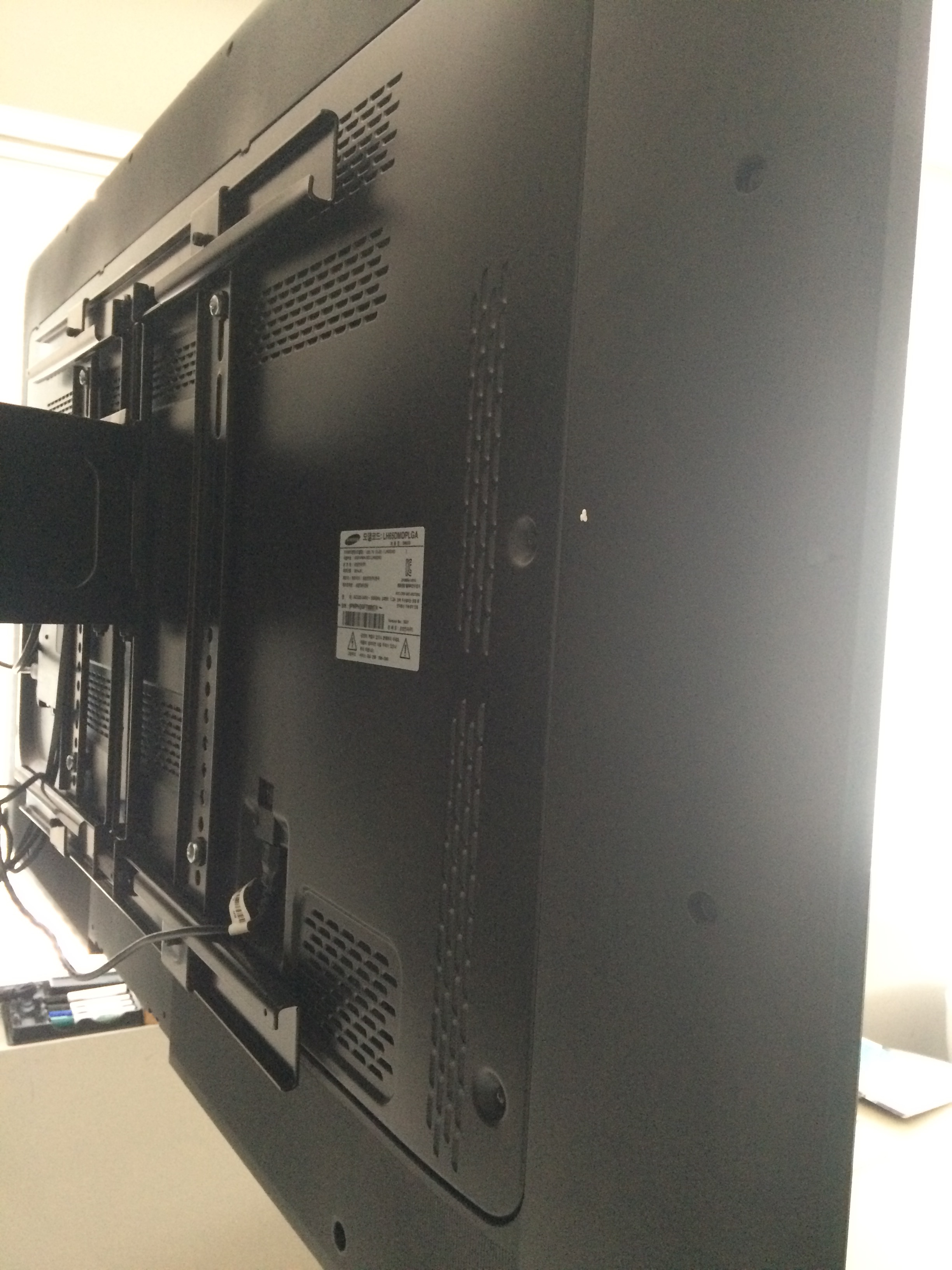
Try to get a picture of the sticker:
Comments